You haven't signed in yet, you can have a better experience after signing in
*Please complete the payment within {{receiveCouponInfo.expire_at}}Previous use*
You haven't signed in yet, you can have a better experience after signing in



Activity Rules
1、Activity time:{{ info.groupon.start_at }} ~ {{ info.groupon.end_at }}。
1、Activity time:cease when sold out。
2、Validity period of the Group Buying:{{ info.groupon.expire_days * 24 }} hours。
3、Number of Group Buying:{{ info.groupon.need_count }}x。
Please Pay Attention
1、Teamwork process: Join/initiate a Group Buying and make a successful payment - Within the validity period, the number of team members meets the activity requirements - Group Buying succeeded!
2、If the number of participants cannot be met within the valid period, the group will fail, and the paid amount will be refunded in the original way.
3、The number of people required and the time of the event may vary among different products. Please pay attention to the rules of the event.
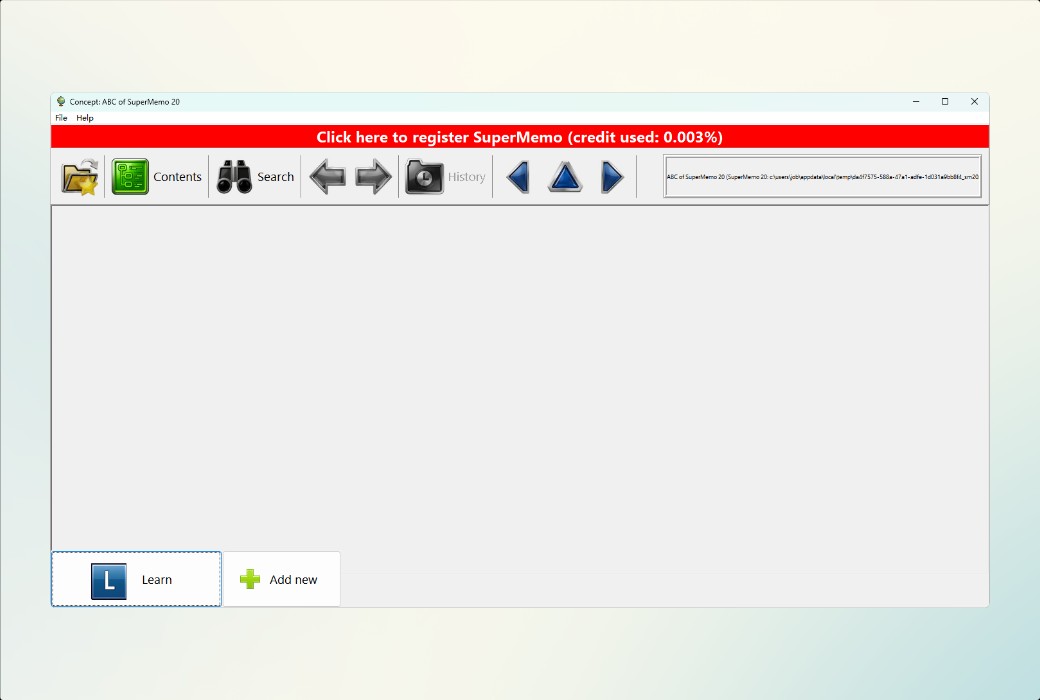
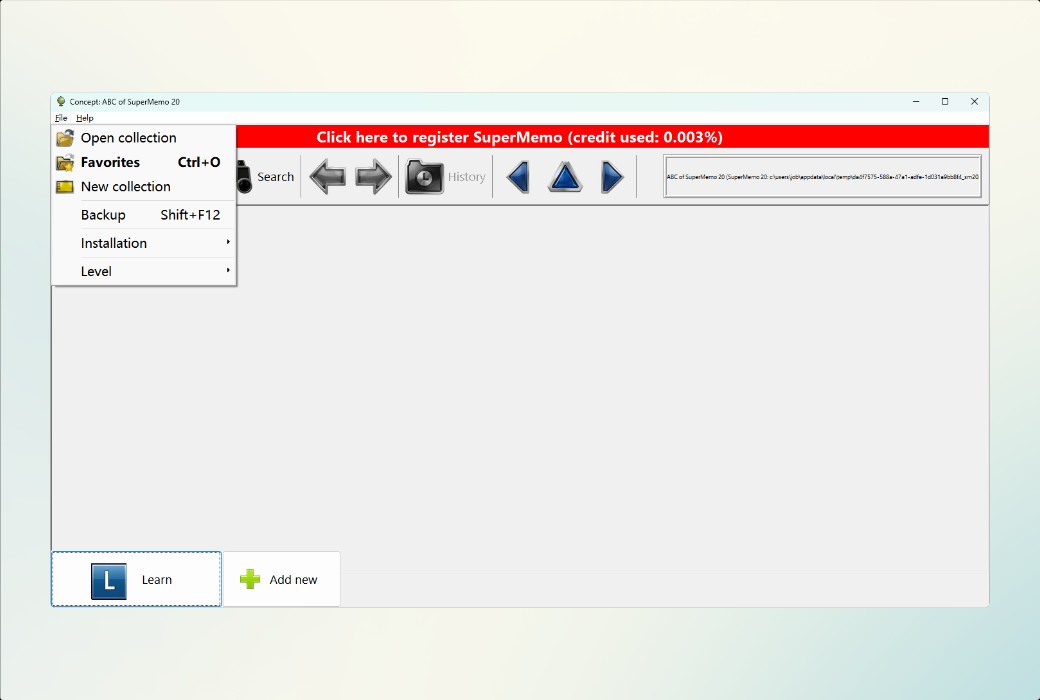
SuperMemo is a tool for rapid learning and long-lasting memory. SuperMemo helps you learn quickly and retain knowledge for years. Although SuperMemo operates similarly to flashcard programs, its functionality far exceeds other programs. SuperMemo uses the principle of spaced repetition to present knowledge at the appropriate time when the brain is ready to reinforce memory. Using SuperMemo daily can easily help you remember 95% of what you have learned.
3 Key Facts About SuperMemo
How SuperMemo Works
Official Website:https://supermemopedia.com/wiki/Main_Page
Download Center:https://supermemo.apsgo.cn
Alternate Download: N/A
Shipping Time: Orders are processed manually
Operating Platform: Windows
Interface Language: Only supports English interface display.
Update Instructions: Supports minor version updates, such as 20.x.
Trial Before Purchase: Free trial.
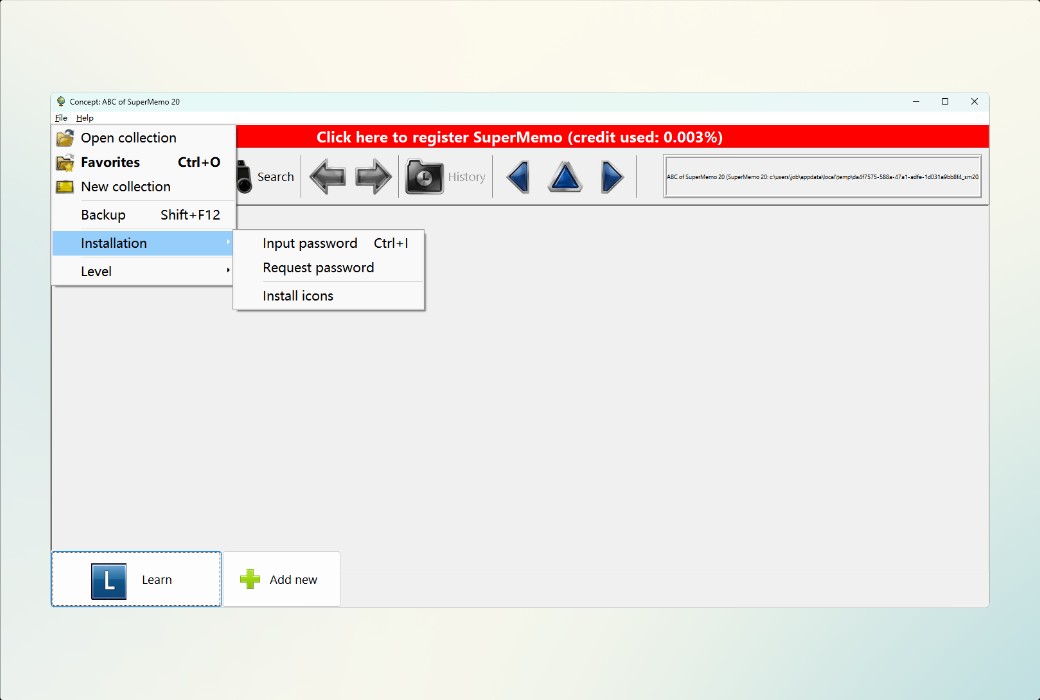
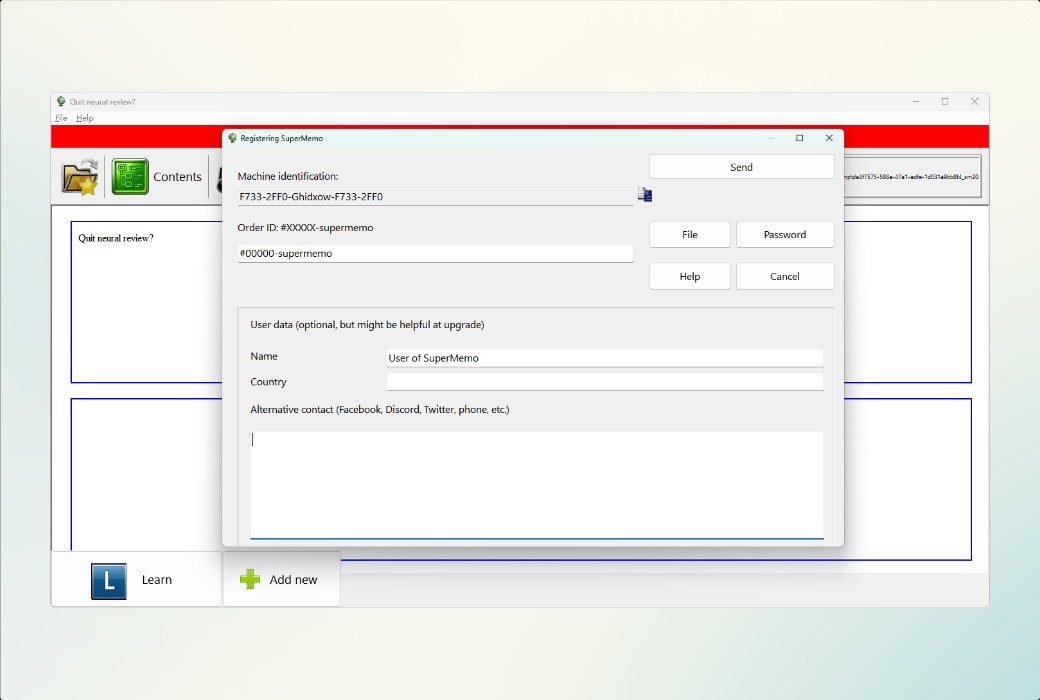
How to Receive the Product: After purchase, the activation information will be sent to the email address used for ordering. You can also view the corresponding product activation code in your personal center, under "My Orders".
Number of Devices: 2 devices.
Changing Computers: You will need to apply for a new activation code on the new computer.
Activation Guide: To be added.
Special Instructions: To be added.
References:https://supermemopedia.com/wiki/Trouble_activating_on_a_new_computer

Any question

When updating SuperMemo, the PDF editor may not be updated. A fresh installation is a solution. Alternatively, you can move sm20.exe and PDFEditor.htm from the fresh installation to the SuperMemo folder.
Problem
I cannot edit PDF files. I receive the following error:
LOADING PDF
Error: Cannot read properties of null (reading 'url')
Solution
This may be a caching issue. Over the past 6 months, several versions of PDFEditor.htm have appeared with updates to SuperMemo 20. This error belongs to some earlier versions. If the problem persists after reinstallation, we may release a direct link?
Recommendation
Fresh Installation
If the update fails to update all files, you can try a fresh installation (and then copy the newer version of the files)
Fresh Installation and File Move
Move PDFEditor.htm, YouTube/WebView.htm, and sm20.exe from the fresh installation to your existing old version SM20 folder (in their corresponding locations)
Download Editor
Right-click on the link below, select "Save Link As...", and save over the old file in your SuperMemo bin/pdf folder: